 HappyMod Extra

Download AI Video Editor: ShotCut AI Mod APK v3.0.1 [Unlocked] - AI editing app for videos, slideshows, and movies.Pro video editor & maker..
AI Video Editor: ShotCut AI
v3.0.1
Dec 5, 2025
Test Speed Internet Amp Net Meter
Android 5.0+
131.38 MB

Free


Mod info
No Ads
Mod Menu
What is AI Video Editor: ShotCut AI
The ShotCut AI App is a revolutionary video editing tool designed to leverage the power of artificial intelligence to simplify and enhance the video editing process. Targeted at both amateur and professional creators alike, this app harnesses advanced algorithms to automate tedious tasks, resulting in a faster and more efficient workflow. With its user-friendly interface, ShotCut AI enables users to effortlessly create stunning videos without the steep learning curve traditionally associated with video editing software.
One of the standout features of ShotCut AI is its intelligent scene detection capability. The app analyzes video footage in real-time, identifying key moments and suggesting edits that can enhance storytelling. For instance, it can automatically trim clips to highlight the most engaging parts of the video, ensuring that viewers remain captivated from start to finish. Additionally, the app offers a variety of pre-set filters and effects that can be applied with a single click, allowing users to give their videos a professional look without extensive editing skills.
Moreover, ShotCut AI supports multi-platform exporting, enabling seamless sharing across various social media channels, such as YouTube, Instagram, and TikTok. It also features an integrated library of royalty-free music and sound effects, which can be easily added to enhance the audio experience of the videos.
Collaboration is made easy with the ShotCut AI App, allowing multiple users to edit and provide feedback on projects in real-time. This function is particularly useful for teams working on videography projects, as it streamlines the creative process and brings together diverse perspectives.
In summary, the ShotCut AI App stands out as a game-changer in video editing by offering innovative features powered by AI, making it an invaluable tool for anyone looking to elevate their video content effortlessly.
Key feature of AI Video Editor: ShotCut AI
AI Video Editing
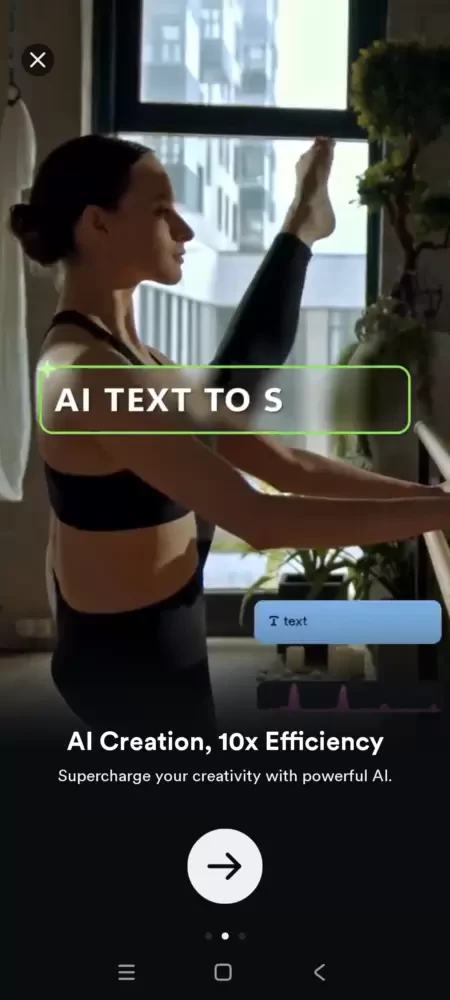
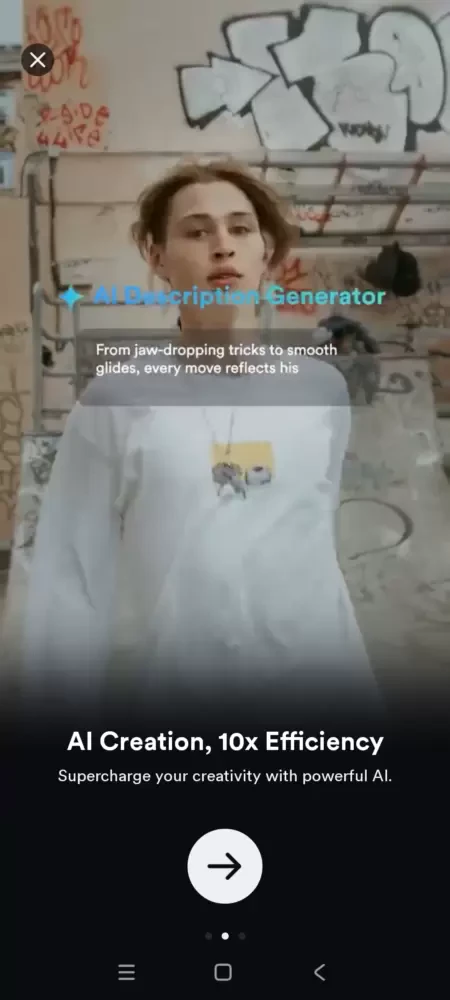
ShotCut stands out with its advanced AI video editing capabilities. This makes editing accessible and efficient for users of all skill levels. Whether you're aiming for professional output or casual content creation, the app uses AI tools to streamline the process. Features like AI captions, automusic, and text generation enhance your editing experience, providing you with automatic music selections, smart transcription services, and engaging titles to boost your video's visibility.
- AI Captions: Easily transcribe your videos into text effortlessly using the AI captions tool
- AI Automusic: Enrich your content with auto-generated music that matches your video's unique style
- AI Text Generation: Elevate your social media presence using AI text generation
User-Friendly Interface
The ShotCut app is designed with user experience in mind, making it easy for both beginners and advanced editors to navigate its robust editing features. Users appreciate the intuitive layout that promotes seamless operation without overwhelming complexity, allowing for a smooth editing workflow. As a result, users can quickly learn how to manage their video projects, enhancing productivity and creativity. Moreover, tutorial guides offered within the app help new users grasp the basics of video editing efficiently.
- Easy Navigation: The app's clean interface simplifies the learning curve for first-time users
- Beginner-Friendly Guides: ShotCut offers instructional content for users of varying skill levels
- Responsive Design: ShotCut's design adapts well to different devices, making it convenient to edit on the go
Comprehensive Editing Tools
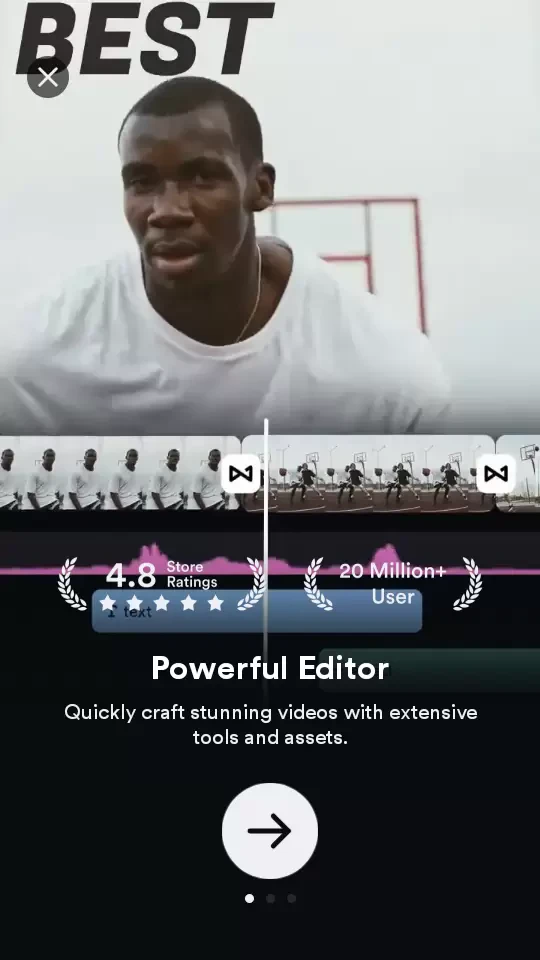
ShotCut provides a broad range of editing tools that cater to nearly every need a user might have, from basic functions to advanced effects. Users can manipulate their videos with features like video cropping, reversing, and merging clips, offering a professional touch with minimal effort. The app allows for the manipulation of audio and visual elements, ensuring users can create polished pieces of content tailored to their personal or business needs. The combination of basic and pro features makes ShotCut a versatile option in the video editing market.
- Versatile Editing Features: Perform a wide array of editing tasks including cutting, merging, and cropping videos
- Audio Editing Capabilities: Users can edit audio tracks separately, enhancing the overall audio quality of videos
- Creative Filters and Effects: Customize videos using various effects and filters to elevate visual appeal
Customizable Content Creation
With ShotCut, users have the flexibility to create tailored content for a range of platforms, including YouTube, TikTok, and Instagram. The app includes features for designing unique slideshows, collages, and videos that align with individual branding or creative styles. The variety of templates and custom options helps users stand out, making it ideal for influencers or digital marketers who need to produce engaging content consistently. This customizable approach makes ShotCut a valuable tool in the content creation landscape.
- Tailored Templates: Access a range of customizable templates for different types of videos
- Collage and Slideshow Features: Easily assemble photos and videos into unique collages or slideshows
- Multiple Output Formats: The app supports various video formats and resolutions, ensuring compatibility with different devices
Advanced Video Effects
ShotCut is rich in advanced video effects that allow users to enhance their videos creatively and aesthetically. Features such as slow motion, stop motion, and green screen editing give the editor powerful tools to manipulate their content. Users can stabilize shaky footage, blur backgrounds, and fit clips to create a cinematic feel. These advanced editing options not only add a professional finish but also foster a creative environment where users can express their unique vision.
- Slow Motion and Stop Motion: Create dramatic effects using slow-motion or stop-motion capabilities
- Background Removal: Users can remove backgrounds from their videos for dynamic editing possibilities
- Video Stabilization: The app can stabilize shaky footage, enhancing the viewing experience
Accessible Pricing Model
ShotCut offers a pricing model that balances affordability and value. The app provides a free version with many essential features, making it accessible to everyone, while also offering advanced capabilities through affordable subscription plans. This model allows users to use the app without an initial investment, making it easy to test its capabilities before committing. The option for in-app purchases lets users enhance their toolset at their own pace, catering to budget-conscious creators.
- Free Version Availability: Users can explore basic features without financial commitment
- Affordable Subscription Options: A flexible subscription model allows access to premium features at competitive pricing
- In-App Purchases: Users can choose to enhance their experience with specialized features during editing
Pros and Cons of AI Video Editor: ShotCut AI
Pros:
- User-friendly interface
- Time-saving features
- AI-assisted editing
- Multiple format support
Cons:
- Limited advanced controls
- May require internet access
- Learning curve for beginners
- Performance may vary
How to use AI Video Editor: ShotCut AI app
- **Download and Install**: Download the ShotCut AI app from your device's app store and install it.
- **Create a New Project**: Open the app and select 'New Project' to start editing your video.
- **Import Media**: Tap on the 'Import' button to add video clips, audio files, and images you want to use.
- **Utilize AI Features**: Explore the AI features, such as automatic scene detection, color correction, and video stabilization that can enhance your footage with just a few clicks.
- **Edit Your Video**: Use the timeline to trim, split, and rearrange your clips. Add transitions, effects, or text overlays as needed.
- **Preview Changes**: Regularly preview your edits to ensure everything flows well.
- **Export Your Video**: Once you’re satisfied, press the 'Export' button to save your final video in your desired format and resolution.
AI Video Editor: ShotCut AI FAQs
How do I use the AI features in ShotCut AI?
To utilize the AI features, simply upload your video, select the AI editing option, and choose the desired effect or enhancement. The app will automatically process the video based on your selection.
Can I add music to my videos?
Yes, you can add music to your videos by going to the audio section. You can choose from the built-in music library or upload your own tracks to enhance your video's mood.
How do I create transitions between clips?
To create transitions, tap on the timeline to select the clips you want to transition between. Click on the transition icon and choose your preferred style. Adjust the duration if necessary.
What steps do I follow to export my edited video?
To export your video, follow these steps:
Tap the 'Export' button on the editing screen.
Select your desired resolution and format.
Choose the export location.
Click 'Confirm' to finalize the export.
How can I apply filters to my video?
Applying filters is easy. Go to the filters section after selecting your video, browse through the available options, and tap on the filter you wish to apply. You can adjust the intensity and see real-time previews.